Register/Login to your App
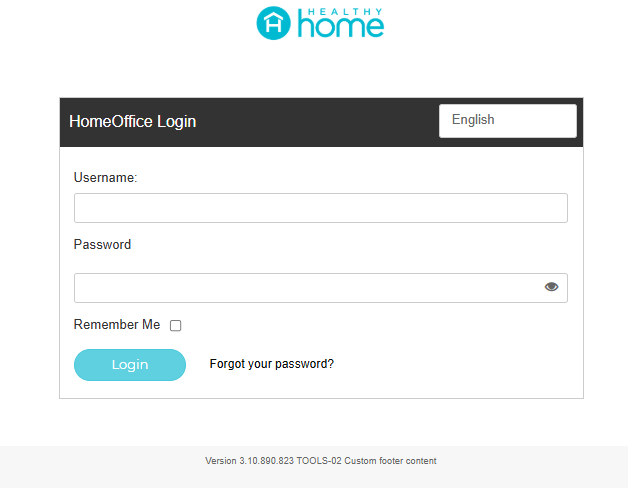
- Login to your personal Back Office HealthyHome Backoffice
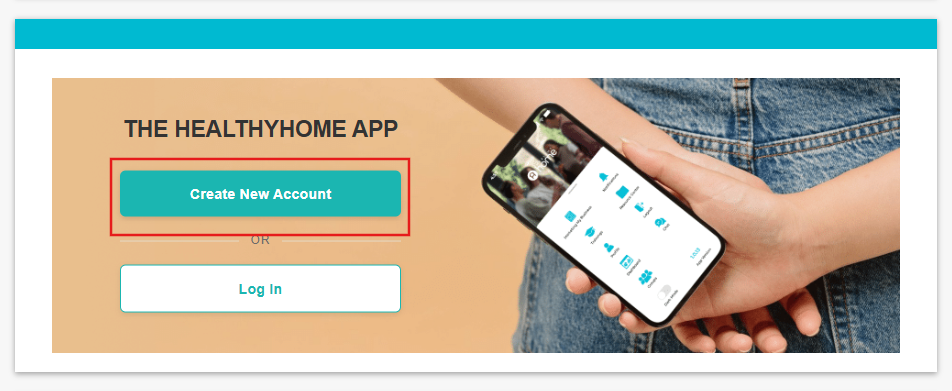
- You will need to create a new APP account. Click Create New Account
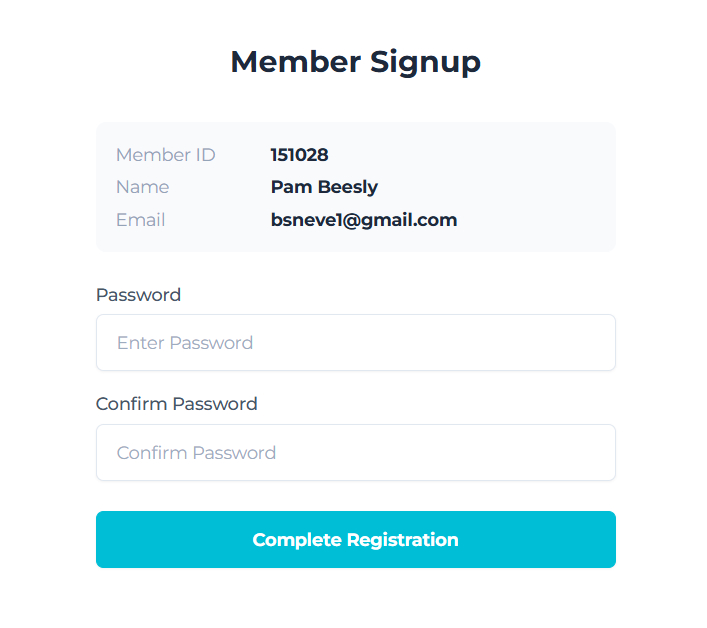
- Create a Password for the App
- Choose what type of phone you have (Apple or Android) and scan the QR code from your phone
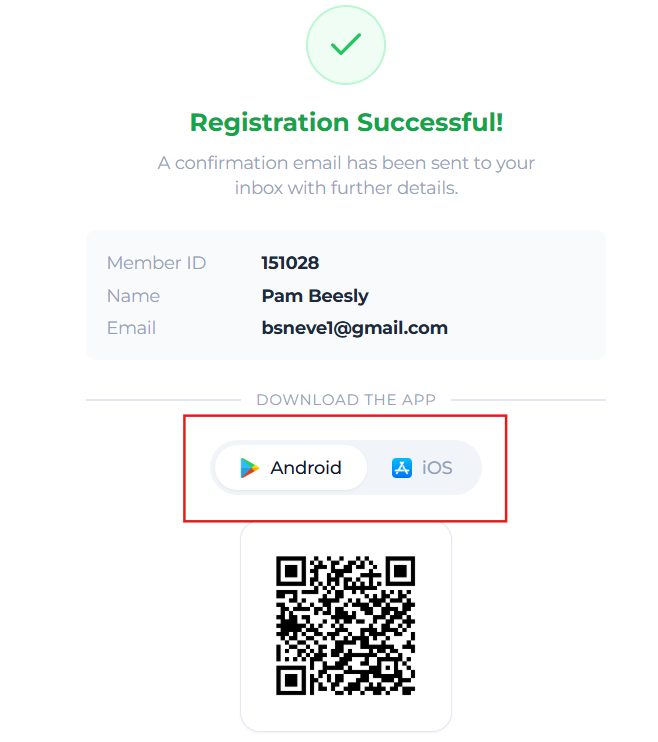
- This will take you to the App Store or Google Play Store where you can download the App
- Once downloaded you can login and use your new App by using the same credentials you just created.
Did this answer your question?
Thanks for the feedback
There was a problem submitting your feedback. Please try again later.

